Create an Application
Applications are used to organize and manage data on the FastFuels API. In this tutorial, you will learn how to create an application in the FastFuels web application.
Tutorial
Section titled “Tutorial”-
Sign In to Your Account:
Section titled “Sign In to Your Account:”- Navigate to https://app.fastfuels.silvxlabs.com/sign-in and sign-in with your credentials.
-
Access the Applications Section
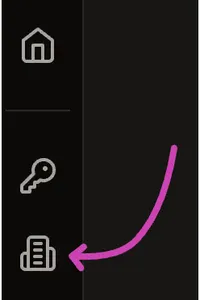
Section titled “Access the Applications Section”- Once logged in, click on the Applications icon from the left sidebar.
-
Generate a New Application:
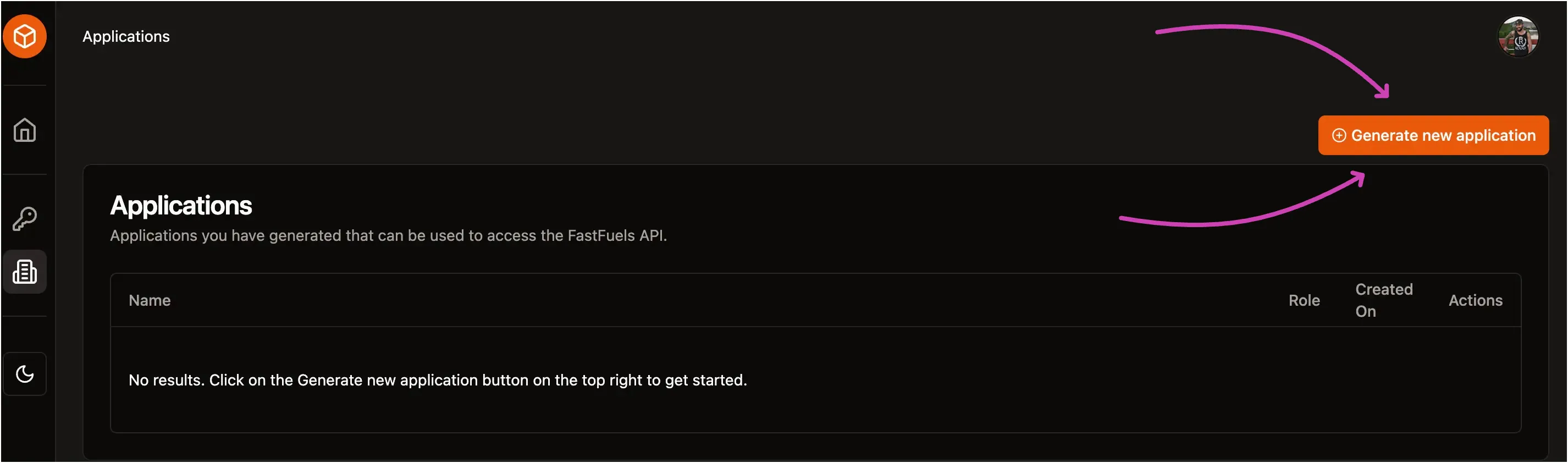
Section titled “Generate a New Application:”- Click on the Generate new application button at the top right corner of the screen.
- Fill in the required details, such as the name.
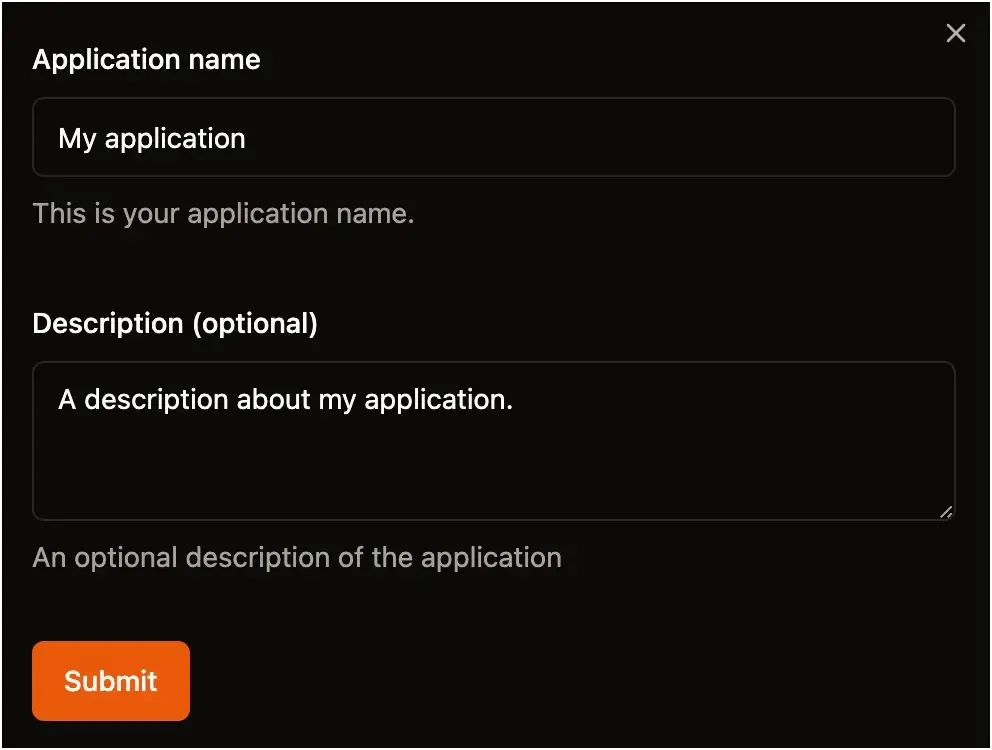
- Click on the submit button to generate the application.